

Ever feel like keeping track of your trades is as tricky as getting lost in a maze? You’re not alone. A simple, well-organized trading journal template can be just what you need.
Imagine it as a clear roadmap in a market that often seems unpredictable. This free tool helps you jot down every trade without the usual confusion. Whether you prefer Excel or Google Sheets, you can easily set it up to suit your style.
By keeping a neat record of your trades, you can quickly spot patterns that point to success. And the best part? It boosts your confidence in every trading decision, letting you feel more in control and ready for whatever comes next.
Rapid Access to Free Trading Journal Template Formats
Get quick access to a range of free trading journal templates that can help you improve your trading. These templates are available in common formats like Excel and PDF, and even offer a version for Google Sheets. They feature simple orange cells for your manual input and gray cells for automatic calculations, making it as easy as organizing a school assignment.
- Excel Workbook: Download this template for a trade record that organizes your data into clear sections.
- Google Sheets: Grab this online version to enjoy cloud access and real-time editing on any device.
- PDF Design: Choose this option if you prefer a printable setup that serves as a portable trade log.
- Notion Database: Download this modern interface with linked pages for easy database management.
- Printable PDF: Get a hard copy format perfect for jotting down trades by hand.
- Manual Spreadsheet: Opt for this simple, no-frills tool if you like to record every detail manually.
Pick the format that works best with your daily routine. If you handle your work on a computer and like detailed analysis, the Excel or Google Sheets options are a great fit. But if you’re often on the move or enjoy pen-and-paper methods, the PDF or manual spreadsheet might be more practical. Choose the setup that suits your trading style and helps keep your records organized.
Customizing an Excel Trade Record Workbook for Your Trading Journal Template
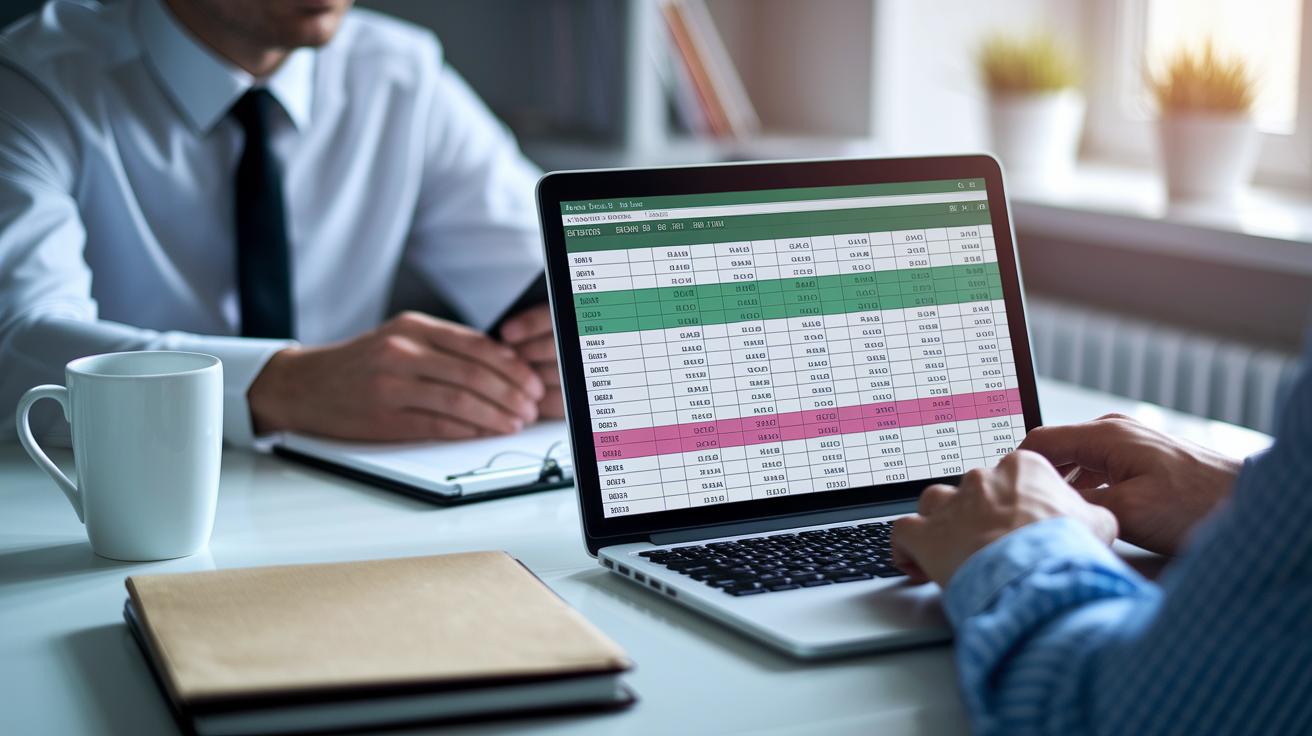
Excel is a great tool to help you manage different aspects of your trading analysis. It lets you set up clear columns for the date, instrument, entry and exit price, lot size, fees, and result. By organizing your trades this way, the workbook turns into a handy diary that makes it easy to spot patterns and track how well your trades are doing. For example, list each trade on its own row so that everything stays clean and simple.
This tool also lets you dive deep into your data. You can add formulas and filters to get more useful insights from your trade log. If you have lots of data, create different sheets in one workbook to handle aspects like risk assessment or profit trends. This setup works well with different trading strategies, and over time, it can help you fine-tune your methods.
Try using color-coded cells to bring your data to life. You might mark manual entries in a bright orange and let gray cells automatically crunch numbers for your total profit and loss. At the top, set up a small metrics box to serve as your performance dashboard. It will give you clear, quick insights into your performance as you update your trades.
Building a Dynamic Google Sheets Market Record in Your Trading Journal Template
Google Sheets is handy because you can update your trade record from anywhere. Whether you're on your phone or at your computer, cloud-based editing keeps your data fresh. It’s like having your study notes safely stored online, you’re always in the loop.
Working on your trade plan becomes really simple with Google Sheets. You can make quick edits, and if you work with a partner, you can both update the record at the same time. No matter if you’re at home or on the go, your trade details and strategy notes are always accessible.
You might want to try conditional formatting to add some clear color cues to your record. Think of it like Excel’s color coding: maybe use one color for profits and another for losses, giving you a quick visual check. And with built-in functions like SUM, AVERAGE, and QUERY, your sheet will automatically crunch the numbers for your win rate, risk-reward ratios, and total returns.
Finally, tweak your sharing permissions so you control who can see or edit your record. This way, your team or mentor can offer helpful insights while you keep full control over your personal trade journal.
Implementing PDF and Notion Trade Log Guide Versions of Your Trading Journal Template

PDF and Notion are two easy methods to keep track of your trades. You can choose a digital PDF log that you print and then fill in by hand, or you can create a Notion dashboard where you build out your entries. Both approaches let you record your trade details in a way that feels natural to you.
The PDF design is very straightforward. It includes simple fields like the trade date, instrument, entry and exit points, position size, profit or loss, strategy notes, and lessons learned. For example, you might find a section that says "Trade Date: 03/02/2026 – Record your starting time here." This setup makes it simple to create a paper trading journal that you can look back on whenever you need.
On the other hand, Notion lets you set up linked pages and databases to keep everything organized. You can add filters and views to sort your logs by date, asset class, or performance. Plus, Notion's mobile app means you can update your records in real time, whether you’re checking in on your phone or your computer.
Sample Entries and Trade Strategy Log Practices with Your Trading Journal Template
Clear and organized trade records turn everyday numbers into solid steps for improvement. When you keep each trade on its own row, you form a detailed map of your performance. This simple habit makes it easier for you to spot patterns and adjust your approach.
A good trading journal should include key details like the trade date, the asset or instrument, the entry and exit prices, the size of your trade, any fees you paid, and what triggered each trade. You might also add a chart screenshot next to the entry with a note like, "Saw a resistance break that told me to exit swiftly." This extra detail helps you see clearly what worked and where you could improve.
If you decide to add to or reduce your position, it's smart to log each change on a new line under the main trade entry. This way, you keep scaling actions separate from your initial trade details. Recording every step lets your trading log show the full journey of your decisions, which makes reviewing your strategy much simpler.
At the very top of your journal, include a special metrics box, a sort of performance dashboard. Here, you can quickly see your total profit and loss, win/loss ratios, average risk-reward, and even your drawdowns. For example, spotting a note like "Total P&L: +5%" can instantly tell you if your strategy is working or if it might be time to rethink your plan.
Lastly, save some space for personal reflection. After each trade, jot down what you learned. A quick note like, "I waited too long to exit and ended up losing a bit more; need to decide faster next time," can be a powerful reminder. These honest reflections turn every trade into an opportunity to learn and grow.
Core Benefits of Using a Comprehensive Trading Journal Template for Traders

A full trading journal is like a smart diary that helps you build discipline and improve your decision-making. When you regularly note down your trades, you start to see what triggered each trade, what changes you made, and how things turned out. This habit not only makes your risk management stronger but also boosts your confidence because you can look back and learn from every trade.
Keeping a detailed record of your trades lets you spot mistakes that happen over and over and fine-tune your strategy. Each entry gives you a chance to step back and see what works and what might need a change. Over time, tracking your trades turns into a natural habit, so your decisions become more based on facts and less swayed by strong emotions during wild market moves.
As you log more trades, your performance dashboard gets more precise. This tool gives you clear numbers that show your trading results, making your overall strategy feel more trustworthy. It changes raw data into simple insights that help guide your future trades and how you manage them along the way.
Whether you're just starting out or already have some experience, a well-kept journal builds strong habits that support your growth. Taking the time to document your trades sets the stage for smart analysis, even when trade patterns seem complicated.
Final Words
In the action, we explored free and customizable tools that help streamline trade tracking. We looked at Excel workbooks, dynamic Google Sheets setups, PDF designs, and Notion options. Each format lets you log entry details, scaling actions, and key performance metrics with ease. With a solid trading journal template in your toolkit, you can simplify record keeping and boost your confidence when reviewing trades. Embrace these insights and keep advancing your toolkit for a smarter, more confident trading experience.
FAQ
What is a trading journal book?
The trading journal book is a record used to track trade details such as entry, exit, and outcomes. It helps traders review performance and improve decision-making with clear data points.
What are free trading journal templates?
The free trading journal templates offer pre-formatted guides in Excel, Google Sheets, PDF, and Word versions. They provide structured fields for dates, prices, lot sizes, and results to simplify trade tracking.
How do trading journal templates in XLSX, spreadsheet, PDF, and Word formats differ?
The trading journal templates in XLSX and spreadsheets allow interactive calculations, while PDF and Word versions offer easy fill-out and printing options, letting you choose the format that best fits your recording style.
How can I use trading journal templates shared on Reddit?
Trading journal templates shared on Reddit come from the trader community with practical tips and layouts. They are often customizable and free, offering a hands-on approach to tracking and analyzing your trades.
